AI-generated text
NVIDIA Cosmos 3 Nano can run locally on 12 GB GPUs using system RAM
Tools · November 24, 2026
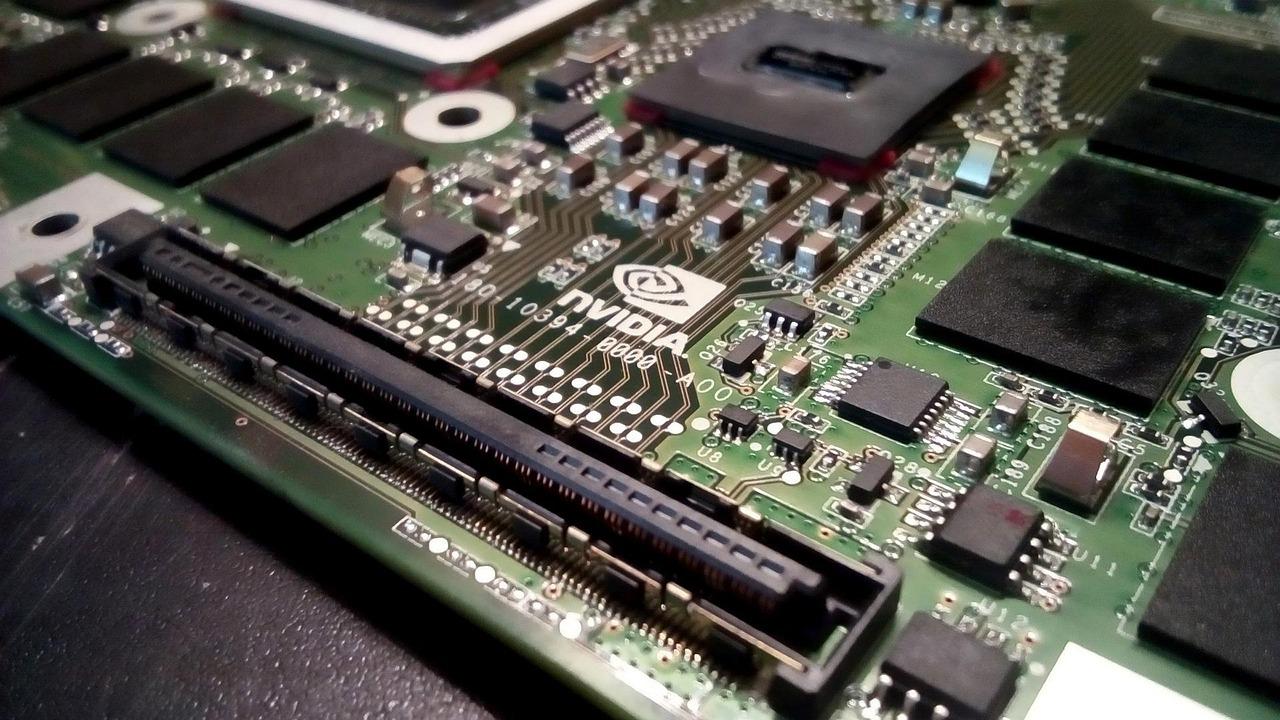
NVIDIA describes a way to run its Cosmos 3 Nano video-generation model on GPUs with as little as 12 GB of video memory by moving model weights between system RAM and the GPU.
In this article · 4
NVIDIA Cosmos 3 Nano can run locally on a graphics card with as little as 12 GB of video memory. The approach stores most of the model’s weights in system RAM and transfers them to the GPU only when needed. Computation remains on the graphics processor.
Cosmos 3 Nano is a world foundation model for physical AI development that can generate video from text, images and other inputs. The lower video-memory requirement comes at the cost of greater system RAM use and data transfers between the CPU and GPU. The method does not provide interactive response times or stream weights directly from disk during inference.
How memory management works
NVIDIA’s approach builds on the group CPU offloading mechanism in Hugging Face Diffusers. Weights that are not in use remain in RAM, while the next transformer block moves to the GPU when required. If enough video memory is available, the transfer can overlap with computation on the current block; for larger workloads, the system automatically selects a more memory-efficient schedule.
The model separately interprets fixed inputs, such as a text prompt, and processes the evolving video, sound or action representation during generation. When inputs and precision remain fixed, the adapter prepares the understanding context once and reuses it. If FP8 precision changes during denoising, the context is refreshed.
A 35-step generation passes through all 36 transformer blocks at each denoising step. The adapter also tries to reuse transferred blocks between guidance predictions made with and without prompt conditioning. It manages memory for video decoding and safety checks separately while retaining the official Diffusers pipeline.
Model files remain on disk between runs, so a fast SSD primarily helps with loading. During generation, available RAM and PCIe bandwidth also matter. The test systems had approximately 128 GB of system RAM, although that figure is not a measured minimum requirement.
Setup and supported tasks
The instructions use Linux, Python 3.12 and a CUDA-enabled PyTorch build compatible with the GPU. Users install the standalone offloading package from Cosmos-Framework and load the nvidia/Cosmos3-Nano model from Hugging Face. The first load downloads the model files; later loads use cached copies. Safety checking is enabled by default.
The baseline example uses BF16 precision and PyTorch SDPA attention to produce 189 frames at 1280×720 resolution and 24 frames per second, over 35 denoising steps. For faster experimentation on 12 GB cards, the suggested resolutions are 848×480 or 432×240.
The same Diffusers pipeline can generate video from text or images, with sound if requested; an existing video can also serve as input. The model supports action generation and transformations guided by a control video, known as Transfer. The latter requires more guidance computation, so at 720p on a 12 GB GPU it automatically switches to a lower-memory mode.
FP8 and hardware choices
A separate FP8 checkpoint is available from the model repository’s fp8 branch and requires an extra package that includes NVIDIA Model Optimizer. The tested model uses eight-bit weights and 16-bit activations for the first and last three denoising steps, and eight-bit weights and activations for the middle steps. Attention remains BF16 SDPA, so the entire pipeline does not run in FP8.
NVIDIA recommends starting experiments at 240p or 480p with 12 GB of video memory, although 720p and Transfer are supported with substantially longer runtimes. On 16 GB cards, 480p is a practical starting point; 24 GB provides more room for full-resolution work; and the 32 GB card recorded the best time for the tested 720p BF16 workload. Actual requirements also depend on resolution, frame count, task, precision, system RAM and PCIe bandwidth.
What the tests showed
In text-to-video tests, a 12 GB NVIDIA GeForce RTX 5070 completed the 720p BF16 workload in 2,624.9 seconds, or about 43.75 minutes, with peak GPU memory use of 9.94 GiB. The 480p version took 849.5 seconds and the 240p version 207.6 seconds. With the mixed FP8 checkpoint, the 720p run took 2,235.7 seconds and peaked at 9.16 GiB.
For the same 720p BF16 text-to-video test, the NVIDIA GeForce RTX 5080 recorded 1,594.4 seconds, the NVIDIA GeForce RTX 4090 1,052.2 seconds and the NVIDIA GeForce RTX 5090 1,016.7 seconds. The timings include prompt processing, generation, decoding and safety checking, but exclude model loading and MP4 encoding.
Other tasks were also measured on the GeForce RTX 5070. Image-to-video generation at 720p with BF16 took 2,655.3 seconds, while 720p Transfer took 4,834.9 seconds. Transfer produced 121 frames at 30 fps; the video and sound examples produced 189 frames, and the action tests produced 17. Guardrails were disabled for the labelled Transfer measurements; they were enabled for the other cases described.
The reported results are single runs, not a controlled GPU ranking or a BF16-versus-FP8 comparison across multiple random seeds. The package also includes separate benchmark programs so users can measure runtime and memory use on their own hardware.
Related articles More from the section.

Latest version of workflow promises tenfold speedup
According to the developers of the workflow package, workflows have become ten times faster once again, reducing latency between turns in systems such as @eve, libfx, pi and opencode.
Tools · November 25, 2026
Linear shifts product strategy toward AI agents
Linear is recasting its issue tracker as a product development system built around coordinating AI agents.
Tools · November 25, 2026
NVIDIA connects AI cluster management with building systems
NVIDIA Mission Control connects liquid-cooled AI infrastructure with building management systems to coordinate responses to leaks.
